How to Create a QR Code for a Link? The Quickest and Easiest Way to Generate a QR Code
06/04/2025
Since its introduction, the QR Code has become a growing trend and a powerful tool in today’s ever-evolving digital world. With just a single “scan,” users can now access information instantly. Turning links into QR Codes is simple and highly useful. But how exactly do you create a QR Code for a link? Discover the benefits of this technology and how to do it in the article below!
1. Benefits of Creating a QR Code for a Link
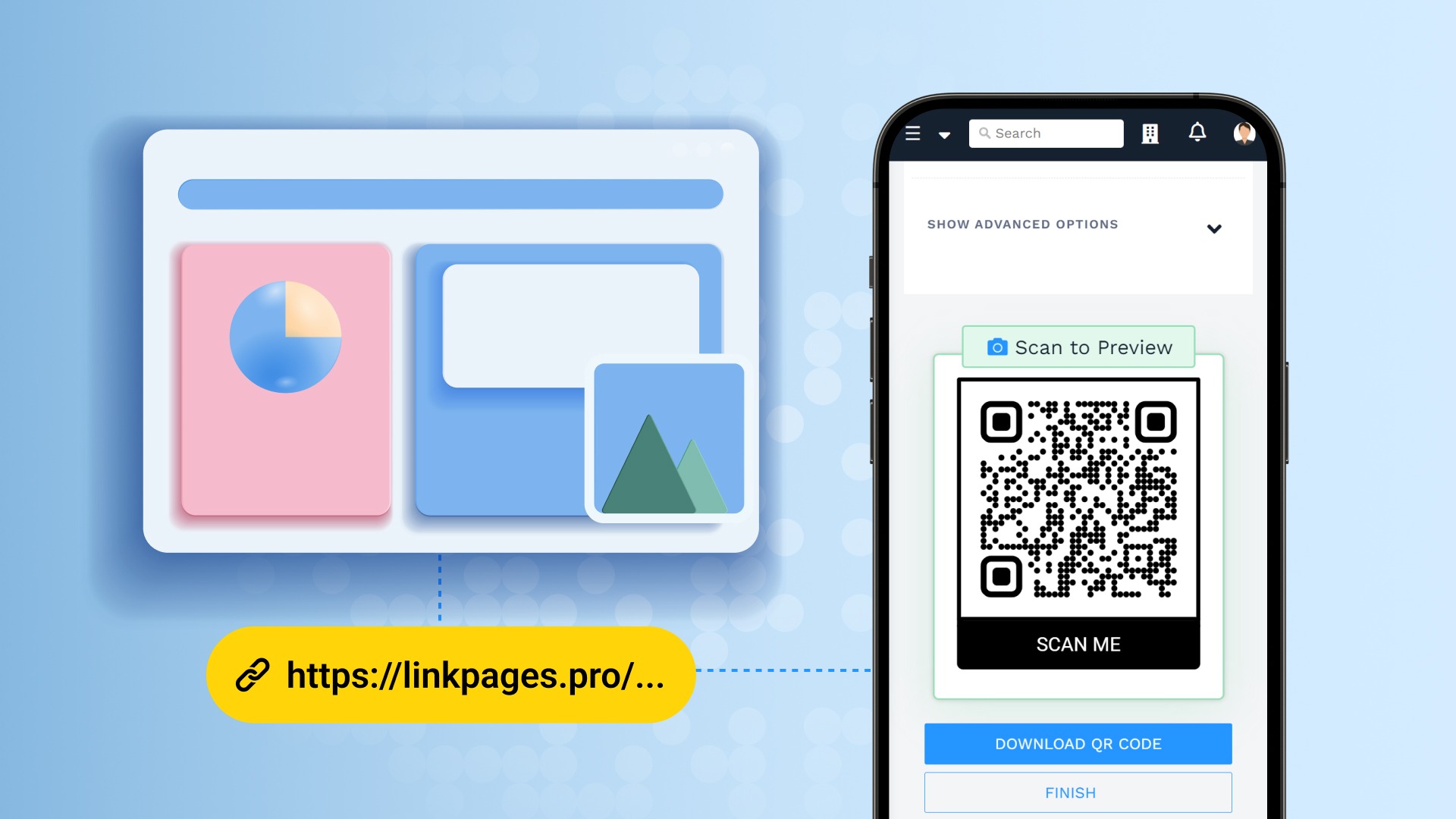
Creating a QR Code for a link brings high convenience and many practical benefits such as:
-
Quick access:
Instead of manually typing long, complex URLs, users can scan a QR code to access the shared link quickly and accurately within seconds. -
Simplified sharing:
Turning a link into a QR Code makes sharing much easier and saves time compared to manual input and repeated sharing. -
Flexible application:
QR Codes can be placed on product packaging, business cards, documents, and flyers—making information instantly accessible and highly convenient. -
Increased interactivity:
QR Codes reduce barriers to information, encouraging more people to scan and engage with your content. -
Versatile use cases:
QR Codes save time and enhance efficiency across various fields like marketing, education, healthcare, payments, document access, video links, and personal data sharing.
2. Real-World Applications of QR Codes
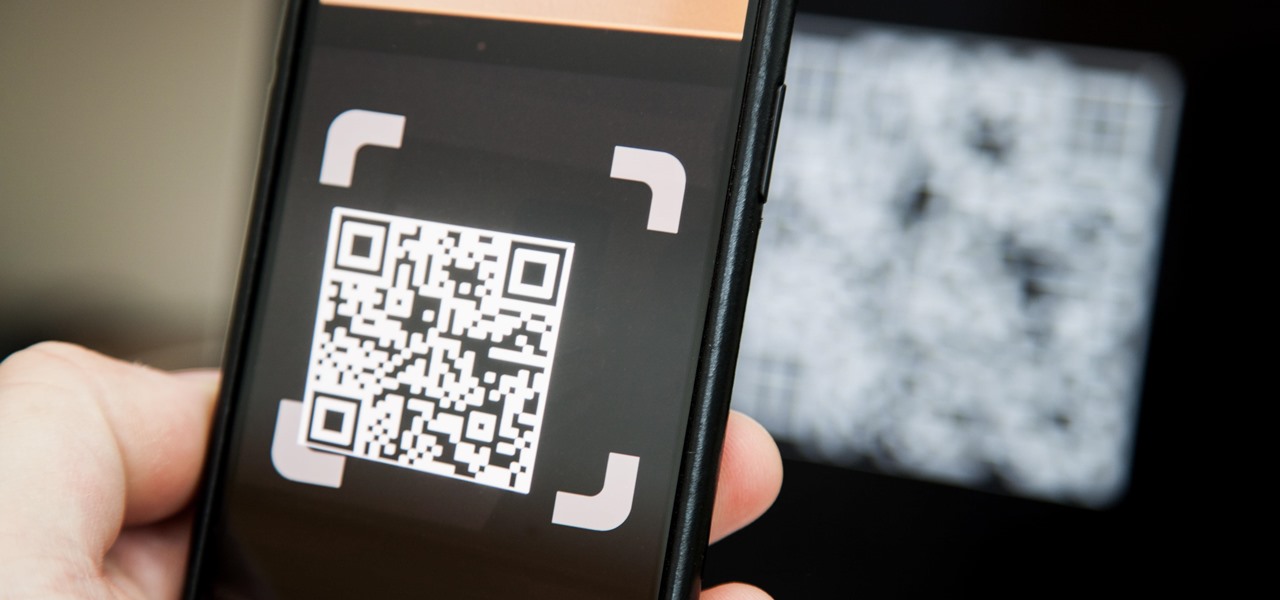
QR Codes have become increasingly important in practice, enabling strong connection and interaction:
-
A smooth bridge between the digital and physical worlds:
Printed or labeled QR Codes allow users to quickly access online services or content. -
Highly effective in education:
Students can scan a code to instantly access learning materials, lecture slides, exercises, quizzes, and games—enhancing the learning experience. -
Boosting business:
Companies can place QR Codes on packaging, marketing materials, or digital posts to increase brand visibility, promote products, and advertise campaigns effectively. -
Enhancing event experiences:
Event organizers can use QR Codes to share detailed event information and boost engagement throughout the event.
3. Create QR Codes Easily and Quickly with qrcode-gen
qrcode-gen is an online tool that helps users create QR Codes conveniently and efficiently without wasting time. Its simple and user-friendly interface allows anyone to generate various types of QR Codes for both personal and business use. Options include Website, VCard, Online VCard, Text, Email, Facebook, WiFi, Phone number, SMS, and PDF. You can create and use your QR Code instantly on the site.
4. How to Create a QR Code for a Link?
Creating a QR Code for a link is simple. Just follow these quick steps using qrcode-gen:
-
Visit the qrcode-gen website and log in or register to begin.
-
Click on “Create QR Code” and select the “Link/URL” option under QR Code types.
-
Paste your desired link into the provided field.
-
Customize your QR Code’s design and format.
-
Click “Download” to save the generated QR Code image for use on digital platforms or print.
And that’s it—you’ve just created a QR Code for your link in a quick, easy, and hassle-free way!
Today, QR Codes are widely used to simplify access to information and enhance interactivity in our digital world. With qrcode-gen, creating a QR Code for a link takes just seconds—convenient, flexible, and powerful.