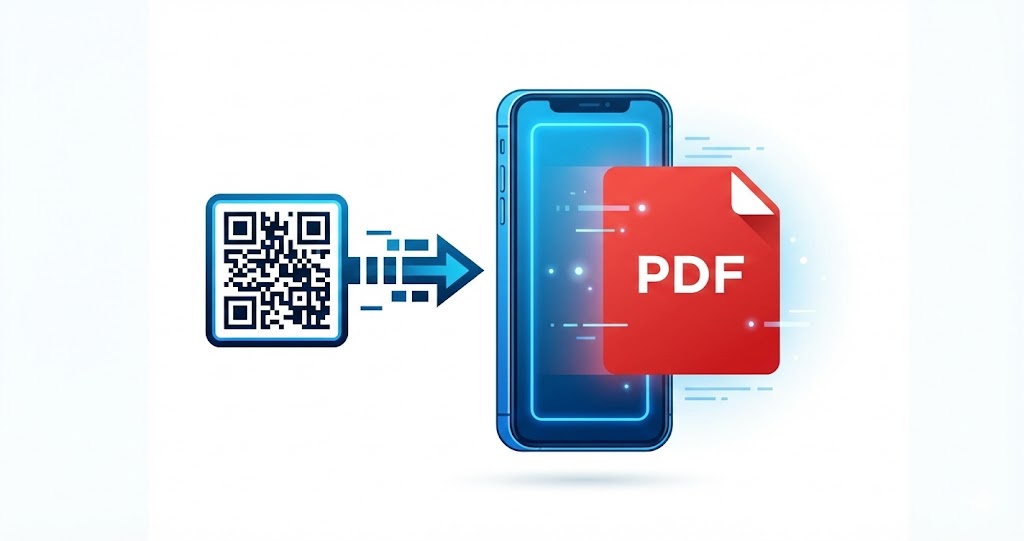
PDFs remain a reliable format for storing and sharing documents because they display consistently across devices. But when people need quick access on a phone, email attachments and long URLs can be inconvenient. Links may break, files can be hard to find, and recipients often have to take several steps before they can open a document. A PDF QR code removes that friction by taking users directly to the file with a scan. This article explains what a PDF QR code is, why it is useful, and how to create and share one effectively.
1. What Is a PDF QR Code?
A PDF QR code is a QR code that directs users to a specific PDF file. When someone scans it with a smartphone camera or QR code scanning app, they are taken to a page where they can view or download the document, depending on the sharing settings.
The QR code does not contain the PDF itself. Instead, it points to the file's online location. This keeps the code easy to scan while providing fast, reliable access to the document.
The Practical Role of PDF QR Codes
PDF QR codes simplify document distribution. Recipients do not need to type a URL or search across platforms for a file; one scan opens the document for viewing or download.
How They Differ From Traditional Sharing
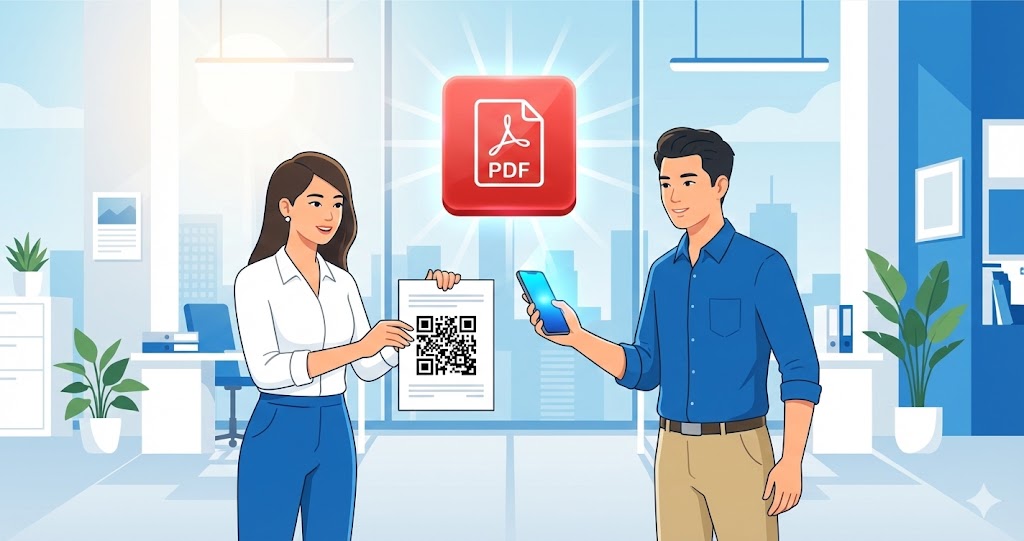
Unlike PDFs shared through email or messaging apps, QR codes can appear on printed materials, posters, presentation slides, and websites. That makes documents accessible in both physical and digital settings.
2. Benefits of Using PDF QR Codes
PDF QR codes offer a practical way for individuals and organizations to share information more efficiently.
A Faster User Experience
Scanning a QR code is quicker than copying and pasting a link. This is especially useful when people need immediate access, such as at conferences, in classrooms, or at points of sale.
Designed for Mobile Access
Many people now access documents on their smartphones. A PDF QR code uses the phone's camera, making the process direct and natural.
A More Professional Presentation
Adding QR codes to brochures, catalogs, training materials, or company profiles can give recipients a more modern, organized experience.
Flexible Use Across Contexts
PDF QR codes can support education, marketing, sales, and internal document management without requiring complex technical knowledge.
3. Common Uses for PDF QR Codes
PDF QR codes are useful well beyond purely digital channels and can support a range of real-world situations.
Education and Training
Instructors can add QR codes to slides, bulletin boards, or printed textbooks so students can quickly access study guides, syllabi, or reference assignments.
Marketing and Sales
Businesses often use QR codes to share digital catalogs, price lists, portfolios, and product brochures in PDF format, making them easy for customers to save and review later.
Internal Document Management
A QR code can be attached to physical files, storage shelves, or equipment to provide quick access to user manuals, standard operating procedures (SOPs), or relevant technical information.
4. How to Create a PDF QR Code
Creating a PDF QR code is straightforward, even if you do not have technical experience.
Prepare Your PDF
Finalize the document before sharing it. Clear file names and an optimized file size help provide a smoother experience for users.
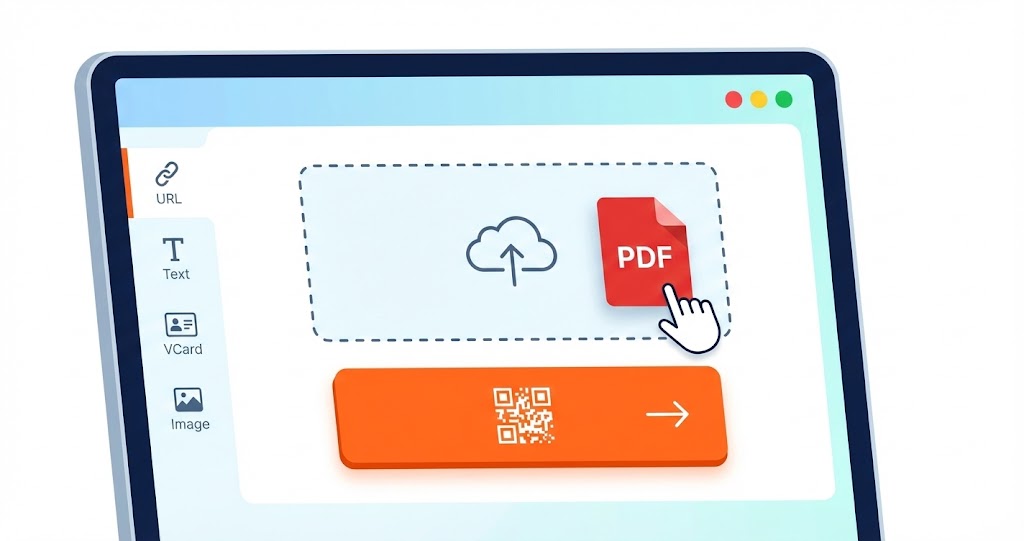
Upload the File to a QR Code Generator
Choose the PDF option in a QR code generator and upload your file. The platform processes the file and creates the corresponding link. You can use a PDF QR code to share documents, brochures, and manuals through a single scan.
Generate and Use the Code
Once generated, download the QR code as an image file and add it to your website, printed materials, or other communication channels.
5. Key Considerations When Sharing PDFs via QR Codes
To make sure your PDF QR code works as intended, consider a few practical details before distributing it.
Test Accessibility
Before sharing the code widely, test it on several devices to confirm that the PDF opens correctly and the link remains active.
Keep File Size in Mind
Large PDFs can be difficult to download, particularly over mobile data. Reducing the file size can make access easier for recipients.
Choose the Right Sharing Scope
Not every document should be publicly available. For internal or sensitive files, consider carefully where the QR code will be displayed to reduce the risk of unauthorized access.

6. PDF QR Codes in Long-Term Content Strategies
As organizations continue to manage content across physical and digital channels, PDF QR codes can serve as more than a short-term sharing tool.
Connecting Print and Digital Content
QR codes link printed materials to digital documents, giving users a direct path from a physical item to the information they need.
Simplifying Document Updates
When a PDF needs to be updated, a dynamic QR code can help reduce the need to reprint and redistribute physical materials by allowing the destination to be changed after printing.
Making Content More Reusable
PDF QR codes make it easier to reuse documents across different campaigns and contexts.

PDF QR codes provide an efficient way to simplify document sharing. Their quick access, mobile-friendly format, and straightforward deployment make them useful in education, marketing, and business management. By understanding their benefits and the basics of creating them, you can use QR codes to build a practical, sustainable document-sharing workflow with Qrcode-gen.
Related articles
QR codes for official documents