A QR code for product packaging is no longer just an optional feature, it has become a valuable tool for connecting physical products with digital experiences. Brands can use QR codes to provide product information, verify authenticity, share marketing content, and collect customer insights. When implemented correctly, QR codes enhance customer engagement while improving the functionality and value of product packaging.
Why QR Codes on Product Packaging Are Essential in 2026
Packaging has transformed from passive containment into an interactive, digital touchpoint bridging physical goods and online ecosystems. Rather than relying on cluttered static labels, brands deploy a QR code for product packaging to connect shoppers with expansive digital channels. Several global developments make this integration vital:
- GS1 Sunrise 2027 Initiative: Global barcode standards are transitioning from traditional 1D UPC/EAN barcodes to 2D formats via GS1 Digital Link. By 2027, a single packaging code will process register point-of-sale checkouts while concurrently providing consumers with provenance records, batch specifications, and interactive promotions. Major retailers like Carrefour have already accelerated rollout schedules across private-label SKUs.
- EU Digital Product Passport (DPP) Mandates: European Union regulations increasingly require consumer products to feature digital passports. Embedding an optical code on retail packaging enables consumers and border authorities to review ingredient origins, carbon footprint calculations, product durability, and recycling recommendations on demand.
- Embedded Smartphone Scanning Behaviors: Because both iOS and Android feature built-in scanner engines within their native camera viewfinders, scanning physical products has become second nature. Shoppers consistently scan exterior boxes in aisles to verify authenticity and assess nutritional facts before making purchase decisions.
Deploying editable dynamic solutions like a Dynamic QR code protects brands against disastrous printing mistakes. If a landing page destination changes after running 200,000 product cartons, dynamic routing lets you update the destination URL instantly without encountering 404 errors or recalling physical inventory.
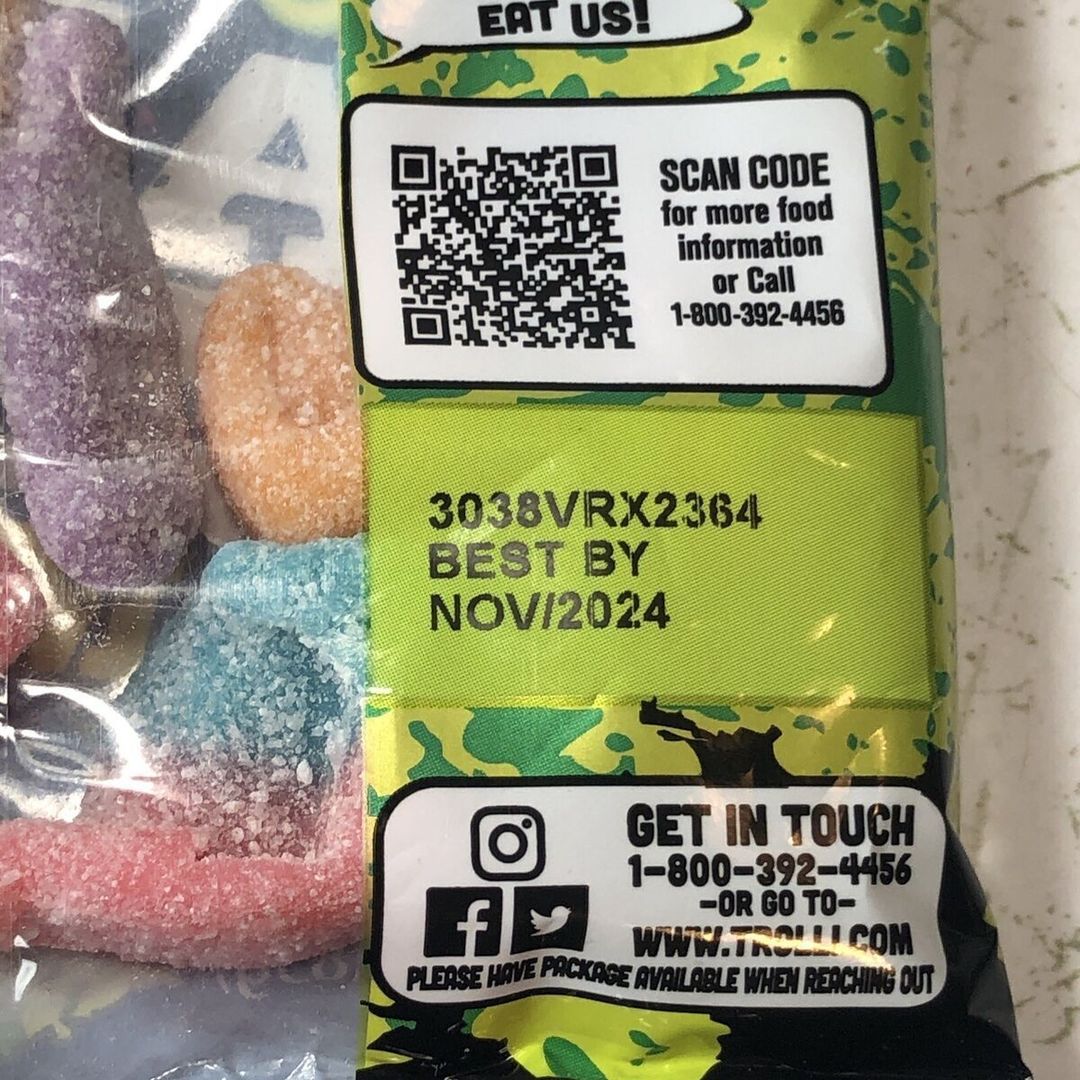
Smart packaging with QR codes transforms physical products into dynamic direct-to-consumer digital channels
Key Benefits of Using QR Codes on Product Packaging
Integrating a QR code for product packaging delivers tangible commercial, regulatory, and post-purchase advantages across the entire product lifecycle.
Traceability & Ingredient Transparency
A dynamic code lets consumers trace raw materials back through processing plants, harvest dates, and official safety certifications. Displaying batch-level sourcing details directly addresses consumer demand for complete transparency across food, skincare, and wellness lines.
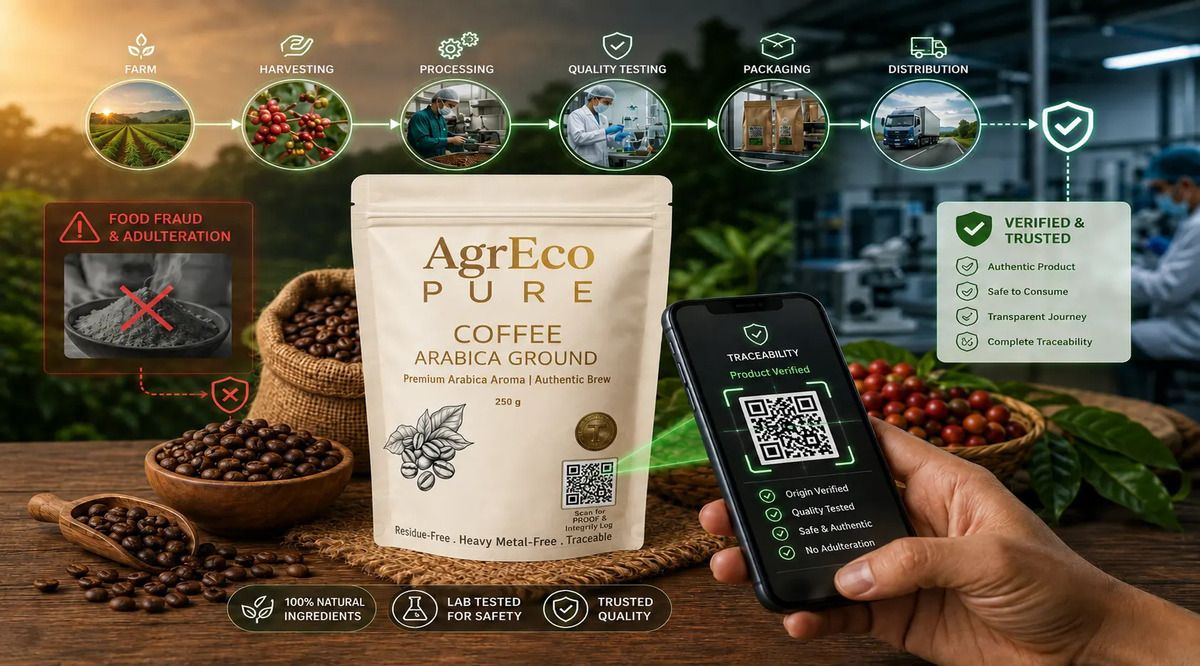
Detailed farm-to-shelf batch records build immediate shopper trust and brand credibility
Post-Purchase Customer Engagement
Opening product packaging marks the start of the post-purchase relationship. Brands use optical codes to direct buyers to onboarding video tutorials, creative recipe pairing guides, warranty registrations, and VIP customer loyalty rewards.
Technical Documentation & Cost Reduction
Bulky paper user manuals inflate shipping weights and print budgets. Replacing physical paper packets with a PDF QR code directs users to digital instruction manuals, warranty sheets, and material safety disclosures that can be reviewed in any language.
Brand Authentication & Anti-Counterfeiting
Counterfeiting compromises brand equity and consumer safety. Serialized, unique codes printed directly on product cartons allow consumers and customs officers to confirm authentic production batches for luxury goods, pharmaceuticals, and spirits.
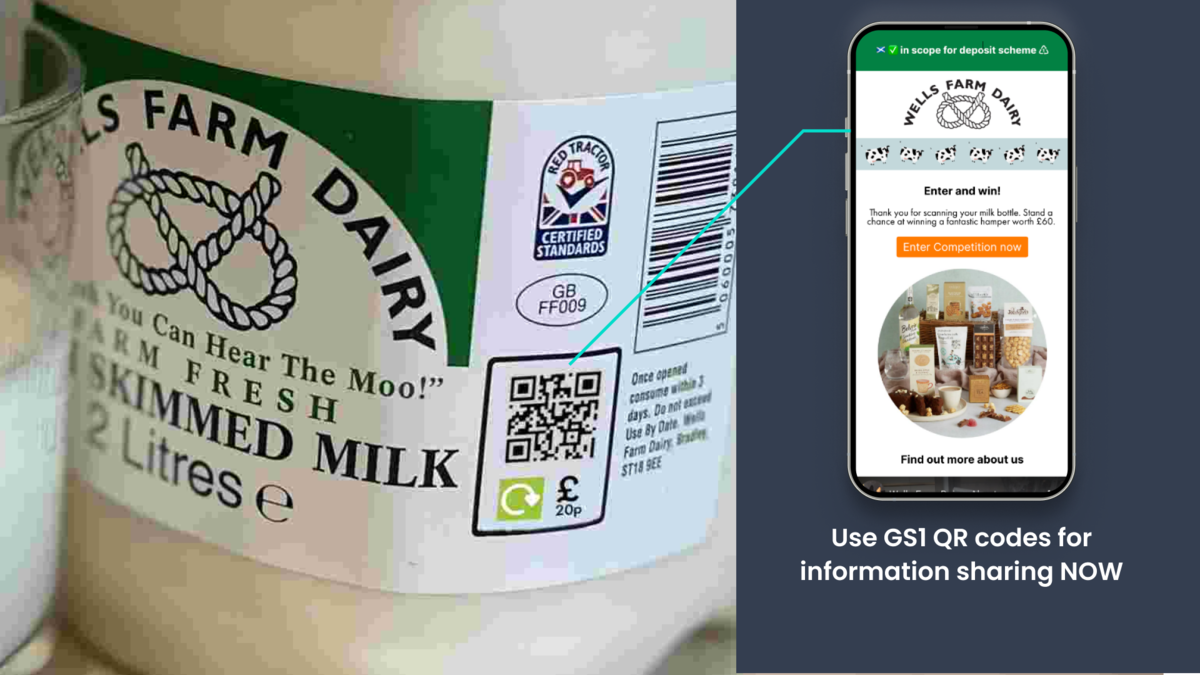
Serialized optical verification safeguards authentic retail inventory against counterfeit distribution
Real-Time Data Collection & Behavioral Analytics
Dynamic codes record scan events in real time, gathering critical metrics like total scan counts, peak access hours, operating systems, and geographic regions. Traditional packaging cannot gather this level of behavioral data.
On-the-Spot Feedback & Social Sharing
Instant feedback loops allow brands to collect customer reviews right after the unboxing moment. Codes can also direct buyers to Instagram or TikTok challenges, prompting them to share unboxing videos and user-generated content.
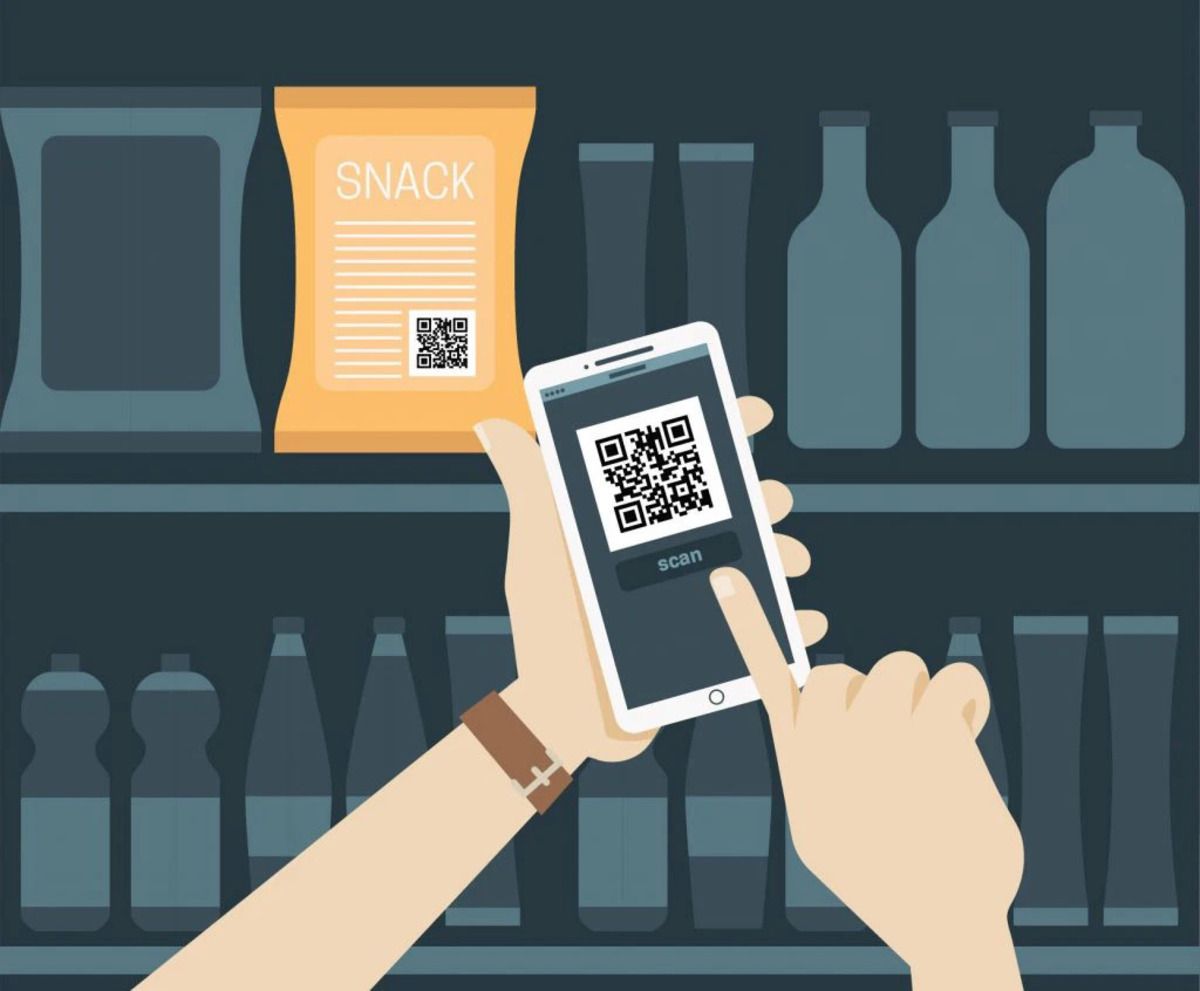
Frictionless unboxing surveys and social sharing links drive organic user-generated content creation
Technical Print Specifications for Flawless Scannability
Adhering to strict print tolerances, quiet zones, and vector standards ensures reliable scans across all consumer devices. Minor prepress oversights can make physical packaging unscannable once distributed across stores.
- Minimum Dimensions: For dynamic codes with short URLs, maintain a minimum physical footprint of 1 cm x 1 cm (ideally 1.5 cm to 2 cm per side). For data-dense static codes, expand the layout to at least 3 cm x 3 cm so phone lenses can resolve individual matrix modules clearly.
- Quiet Zone Preservation: Keep an unobstructed, light margin around all four outer edges of the code matrix. This border must remain completely clear of text, illustrations, and die-cut score lines so camera sensors can isolate the code boundary.
- High Contrast Ratios: Use dark foreground modules set against solid light backgrounds to preserve at least a 3:1 luminance ratio. Never invert the colors by printing white modules on dark backgrounds, as many native phone camera readers struggle to decode inverted patterns.
- Lossless Vector File Standards: Always export packaging codes in vector formats like SVG or EPS. Vector graphics maintain crisp, mathematically defined edges at any scale, unlike raster PNGs which pixelate and cause scan failures when printed on industrial presses.
- Substrate Tolerances: Avoid placing codes directly over high-gloss lacquers, metallic foils, or flexible materials prone to crinkling. Harsh light reflections and warped package contours distort barcode geometry and blind camera sensors.
- Error Correction Levels: When overlaying a company logo onto the center of the barcode, configure error correction to Level Q (25% recovery) or Level H (30% recovery). Higher error correction ensures the code scans reliably even with center modules obscured by brand marks.
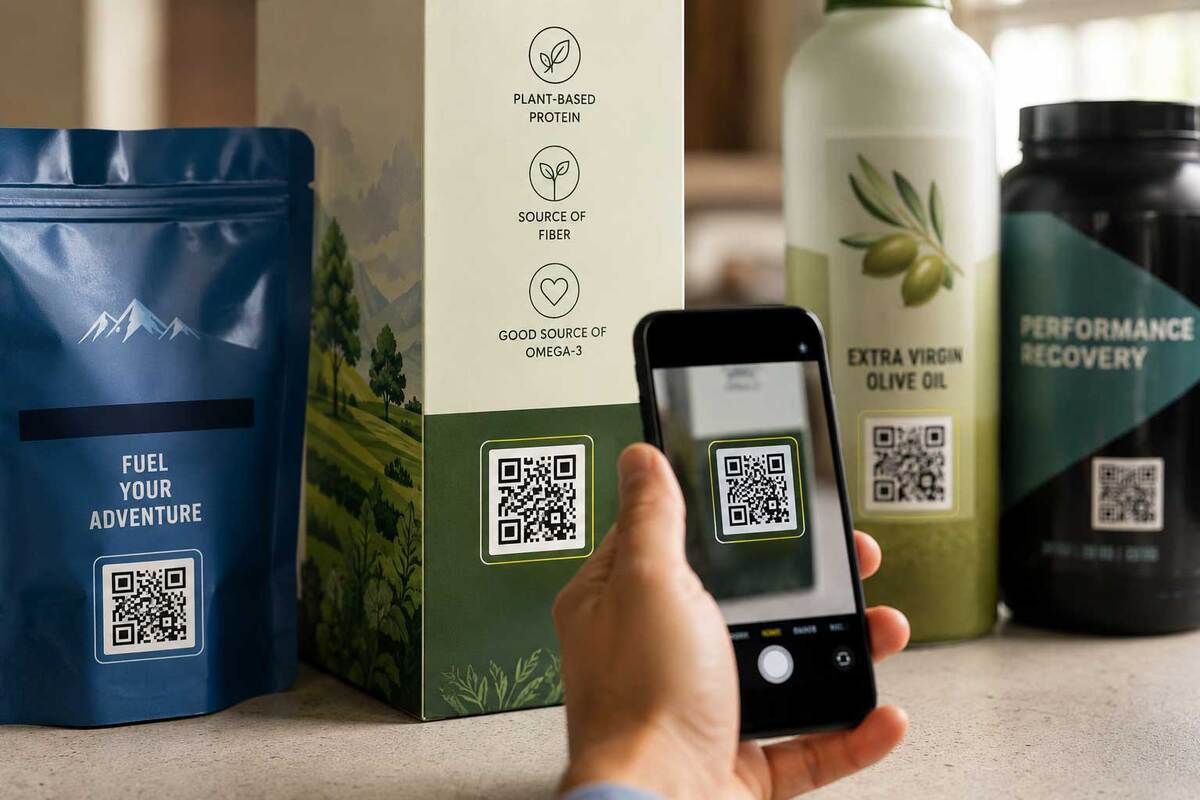
Strict technical printing specifications prevent barcode blurring, glare, and quiet zone interference
Best Locations to Place a QR Code on Product Packaging
Strategic code placement on primary, secondary, and tertiary surfaces maximizes consumer discovery and ease of scanning. Where you place a QR code for product packaging directly influences whether a shopper engages with it or ignores it entirely.
- Front Panel (Primary Display): Reserve front-of-pack placement for direct marketing initiatives, such as seasonal prize drawings, instant checkout discounts, or augmented reality (AR) product demos. Front positioning commands immediate attention in retail aisles.
- Back Panel (Secondary Display): The back of the carton is ideal for practical product information, such as complete nutritional breakdowns, recycling instructions, detailed sourcing data, and technical support links.
- Side Panels: Cylindrical cans, glass jars, drink cartons, and tall boxes naturally accommodate side-panel placement. This layout keeps front-of-pack design clean while keeping the scan target easy to locate.
- Underneath Lids & Caps: Placing codes on the underside of carton flaps or inside bottle caps creates an engaging unboxing surprise. This placement is ideal for single-use discount codes, points collection, and post-purchase customer surveys.
- Interior Packaging: The inside of shipping boxes and premium packaging provides a clean space for unboxing guides, warranty registrations, and reorder incentives without competing with exterior artwork.
- Hangtags & Adhesive Stickers: Ideal for irregular items like apparel, potted goods, delicate glassware, or consumer hardware where direct-to-substrate printing is impractical.
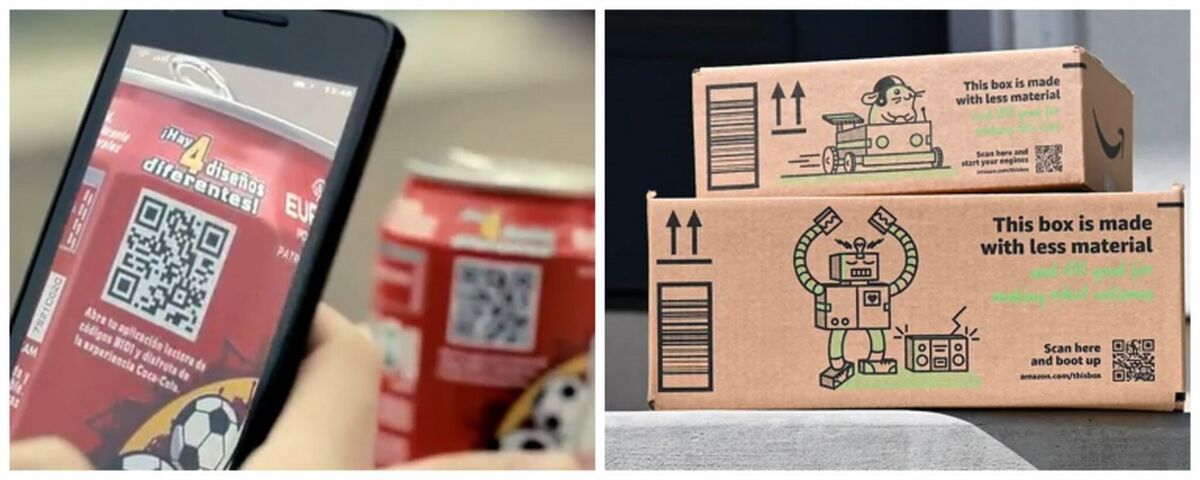
Thoughtful packaging placement balances brand aesthetics with effortless consumer scanning
Step-by-Step Guide: How to Generate Packaging-Ready QR Codes
A structured implementation process ensures packaging codes remain adaptable, measurable, and on-brand. Follow this four-step sequence to prepare production-ready barcode assets for your packaging designs:
Step 1: Define the Objective
Clarify the specific action you want the customer to take after scanning. Are they verifying product authenticity, reading a PDF manual, watching a setup tutorial, or signing up for a subscription discount? A defined objective determines your landing page layout, content assets, and primary call-to-action (CTA).
Step 2: Create a Dynamic QR Code
Generate a dynamic code rather than a static pattern. Dynamic codes route traffic through a redirection server, keeping module density low for sharp rendering on small packages. Crucially, dynamic redirection allows your team to change destination links anytime without altering active packaging die-lines or paying for costly reprints.
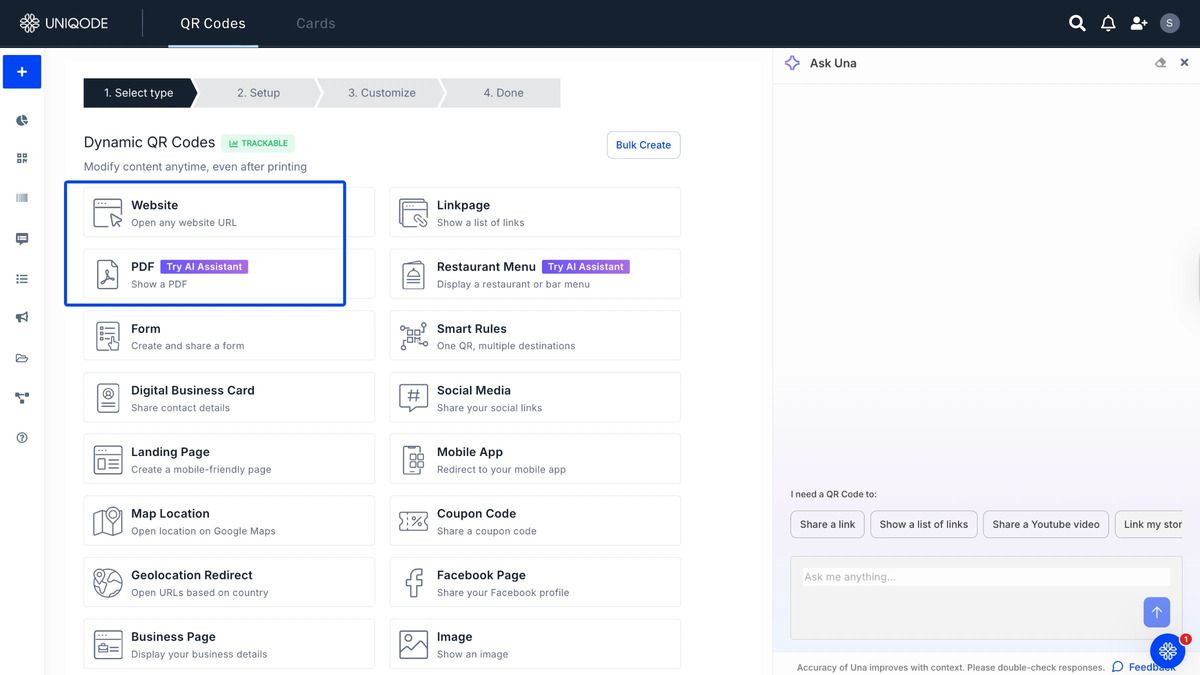
Dynamic QR codes let you update links anytime without reprinting packaging
Step 3: Customise and Integrate into the Design
Match your code's styling to your brand guidelines. Select custom hex colors, adjust module shapes, integrate your logo into the center matrix, and apply a visible frame with an action-oriented CTA like "Scan to verify origin" or "Scan for setup video." Packaging codes that feature clear instructions earn consistently higher scan rates than plain, unbranded black-and-white squares.
Step 4: Connect Your Analytics
Link your generated code to an analytics dashboard to capture real-time scan metrics. Tracking scan volume, geographic distribution, operating platforms, and peak engagement times provides actionable feedback to optimize marketing campaigns and refine overall packaging performance.
>>> Read more: 4 Simple Ways to Create a Free QR Code
Frequently Asked Questions (FAQ)
Clear answers to technical, design, and operational questions surrounding packaging QR code deployments.
What is the smallest recommended size for a QR code on product packaging?
For dynamic links, the recommended minimum size is 1 cm x 1 cm, with 1.5 cm to 2 cm per side offering the most dependable performance. If using static codes packed with extensive data payloads, increase dimensions to at least 3 cm x 3 cm so smartphone cameras can resolve individual modules clearly.
Can I update the URL after printing thousands of product boxes?
Yes, as long as you use a dynamic code. Dynamic codes redirect through an editable short URL, allowing you to update destination links instantly inside your management dashboard while keeping printed cartons in circulation.
Why do glossy or metallic packaging materials cause scan failures?
High-gloss varnishes, cellophane films, and metallic substrates create specular glare that reflects direct light into phone camera lenses. This reflection washes out the contrast between light and dark modules, preventing the camera sensor from detecting the code matrix.
What error correction level should be chosen when embedding a brand logo?
When embedding a center logo, select Error Correction Level Q (25% data recQRCode GENovery) or Level H (30% data recovery). These settings preserve enough redundant data across outer modules to ensure quick scans even with the center portion covered.
A well-implemented QR code for product packaging can improve customer engagement, simplify information access, and create measurable digital interactions beyond the point of sale. By following the right design and printing practices, brands can ensure reliable scanning and long-term flexibility. With , businesses can build smarter packaging solutions that support both customer experience and business growth.