Need to share a PDF quickly without asking recipients to search through emails or message threads? A QR code gives them a direct way to open the document on a mobile device. For short-term or straightforward sharing, many people look for a free option that does not require account registration. This guide explains how PDF QR codes work, how to create one, and what to consider before sharing it.
1. Why Free PDF QR Codes Are Popular
Free PDF QR codes are useful when you need a fast, simple way to share a document without setting up an account or configuring a more complex system.
Useful for short-term sharing
A QR code may only be needed for a specific event, class, or internal meeting. For these temporary needs, creating an account or setting up a more involved system can feel unnecessary.
Quick to create
Skipping registration can speed up the process. With a PDF file and a few basic steps, you can generate a code that is ready to share right away.
Easy for non-technical users
Free PDF QR code generators are generally designed for everyday users and do not require technical knowledge. That makes them practical in both personal and professional settings.
2. How Free PDF QR Codes Work
Before creating one, it helps to understand what a PDF QR code does—and what it does not do.
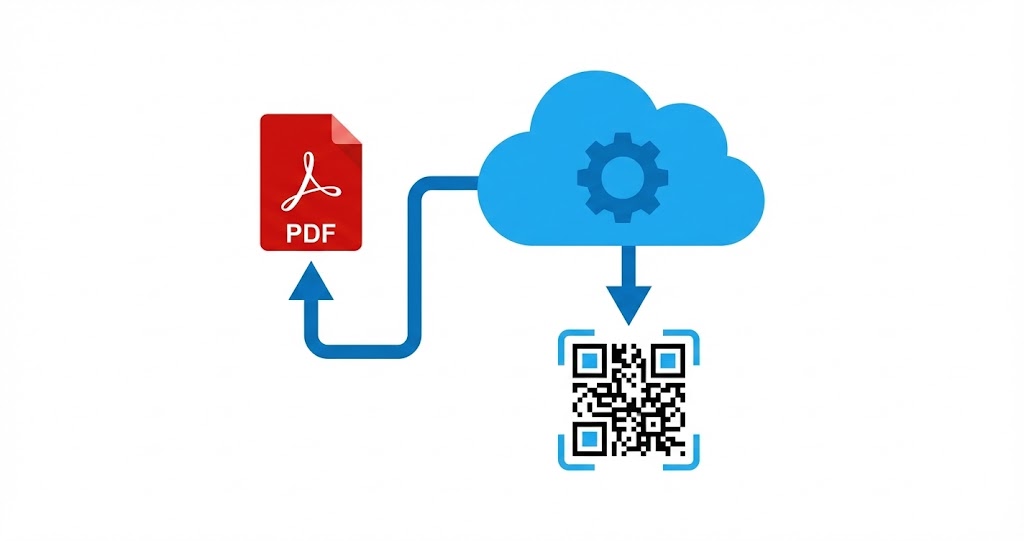
A QR code does not contain the PDF itself
A standard QR code does not store the contents of a PDF. Instead, it directs the person scanning it to an online location where the file is hosted.
The PDF needs a direct access point
To create a QR code for a PDF, upload the file to a platform or system that provides a direct URL. The code then acts as a shortcut that opens that link when scanned.
The experience can vary by device
After scanning, the PDF may open in the browser or prompt the user to download it. The result depends on the device, browser, and individual settings.
3. Basic Steps to Create a PDF QR Code
Creating a free PDF QR code is straightforward and can be done in just a few steps.
Prepare your PDF
Make sure the document is final, clearly named, and optimized for file size before generating the code. A smaller, well-labeled file is easier for recipients to identify and can load more quickly.
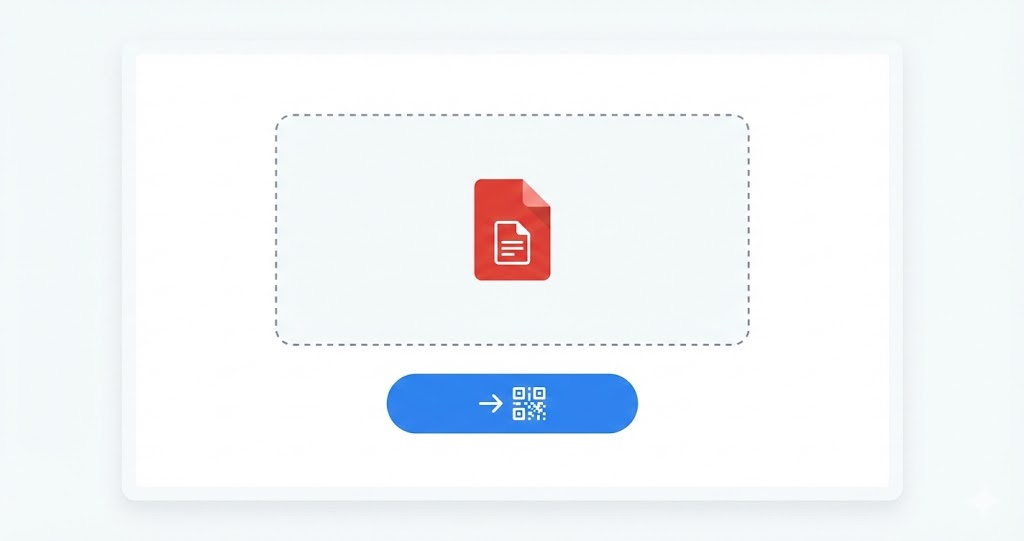
Upload the file to a QR code generator
Choose a tool that supports PDF QR codes, select the PDF option, and upload your file as instructed. The system will process the file and create a corresponding link.
Generate and save the code
Once the file has been processed, download the QR code image for use in documents, printed materials, or other sharing channels.
For a clear, visual walkthrough, Qrcode-gen provides instructions for creating PDF QR codes on its platform.
4. What to Consider When Using Free PDF QR Codes
A free PDF QR code is simple to create, but a few checks can help ensure it works as intended.
Test the code before sharing
Scan the QR code with several devices before making it public to confirm that the PDF is accessible and displays correctly.
Keep an eye on file size
Large PDFs can take longer to load, particularly for people using mobile data. Optimizing the file size can make access smoother.
Be clear about the sharing purpose
Free PDF QR codes work well for basic document sharing. For highly sensitive or internal files, consider the distribution scope of the QR code carefully.
5. Common Uses for Free PDF QR Codes
Not every document-sharing situation needs a complex enterprise solution. Free PDF QR codes are especially useful in several common scenarios.
Sharing educational materials
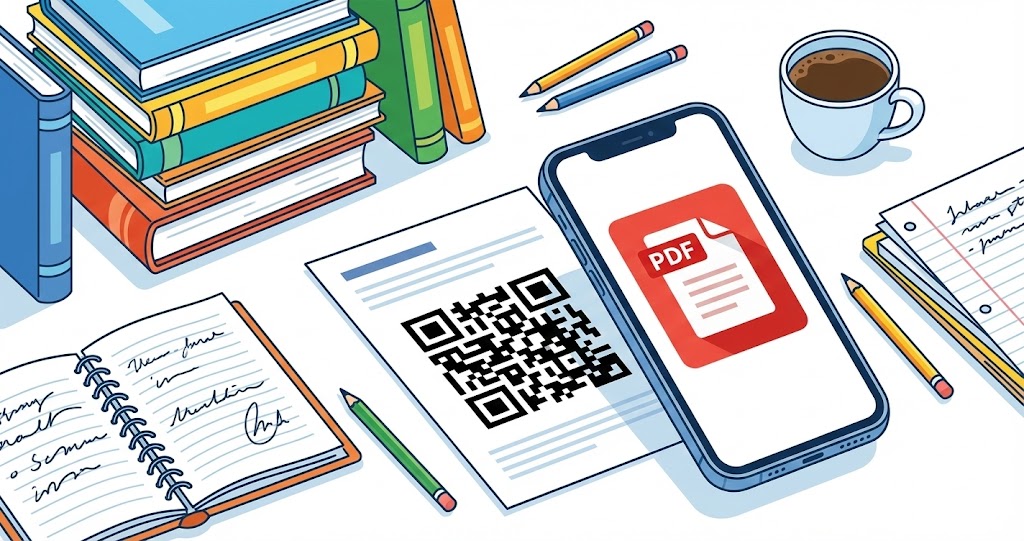
Students and teachers can use QR codes to share syllabi, assignments, and reference materials in the classroom.
Distributing event materials
At seminars, training sessions, and workshops, attendees can scan a code to download documents without the need for large-scale printing.
Sharing basic product information
A PDF QR code can link to a digital catalog or a short introductory brochure, giving potential customers information they can save for later.
6. Understanding the Limitations of Free PDF QR Codes
Knowing the limits of free tools helps you use them appropriately.
They do not replace document management systems
A QR code is an access tool, not a complete solution for document management, permission controls, or high-level security.
Placement matters
A QR code works best when it appears in a relevant location, such as printed materials, presentation slides, or a related landing page.

A free PDF QR code is a practical way to share documents quickly in academic and professional settings. Because the workflow is simple and does not require complex registration, it can be used flexibly across a range of situations. Understanding how the code works, along with its limitations, will help you use it more effectively.