7 QR Code Marketing Blunders That Kill Conversion Rates (and How to Fix Them)
QR codes are now a standard part of retail and service experiences across the US, from restaurant menus to Super Bowl commercials. They create an immediate connection between physical materials and digital content—but only when they work as expected. A code that will not scan or leads nowhere does more than lose a click; it can undermine your brand’s digital credibility.
A successful campaign takes more than generating a code. It requires a strategy built around scannability, user intent, and technical reliability. Here are seven common QR code mistakes and practical ways to avoid them.
1. Prioritizing Design Over Scannability
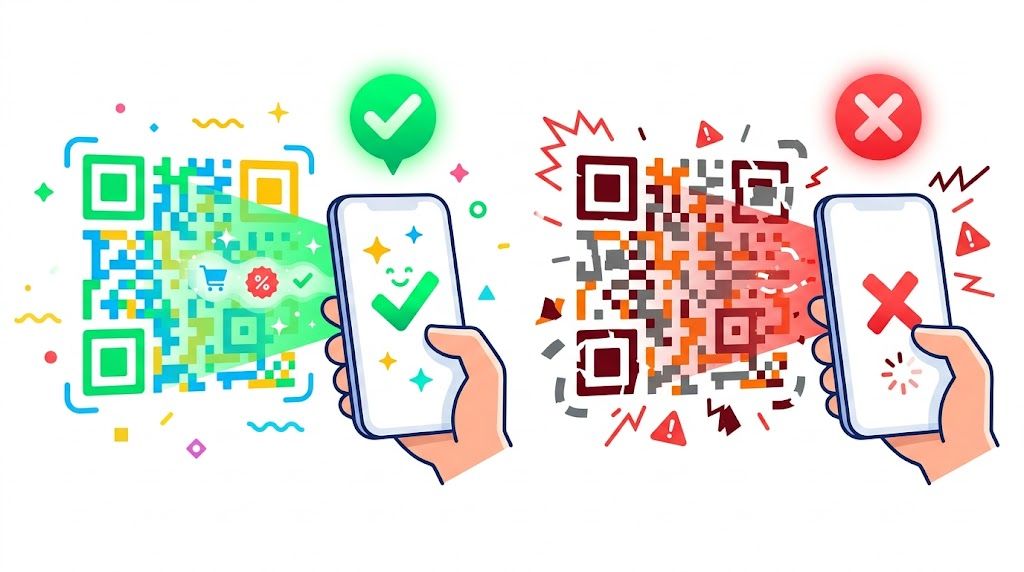
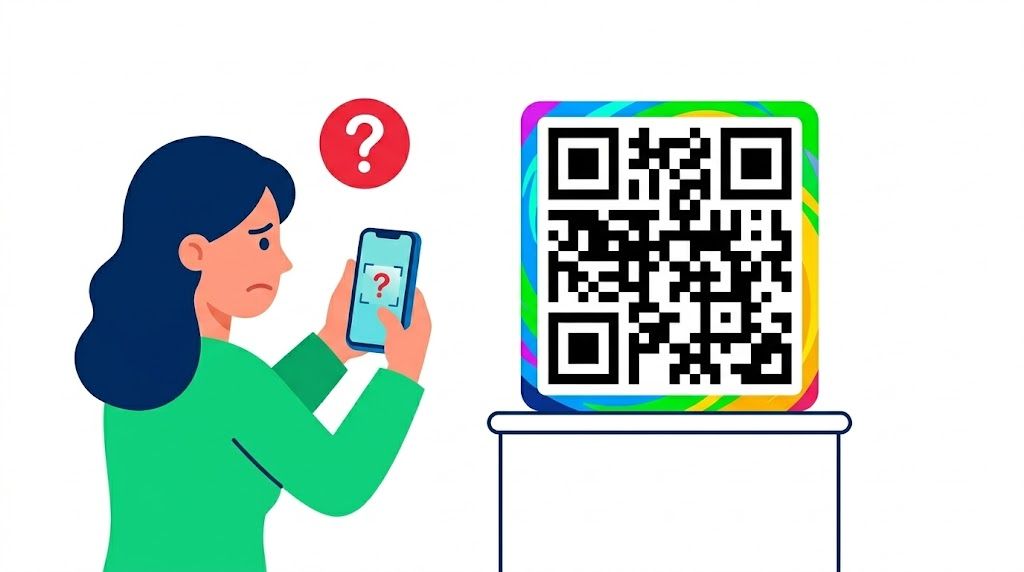
Branding matters, but a QR code must work first. Low color contrast, overly intricate patterns, and oversized logos can obscure the data modules. If a phone camera cannot quickly recognize the three corner squares, known as finder patterns, most people will give up within seconds.
The fix: Use strong contrast—dark pixels on a light background is the safest choice. If you add a logo, keep it below 25% of the center area and make sure it does not interfere with the code’s structure. A clean, high-resolution code is more important than an elaborate design. If you need brand styling, choose a custom QR design that preserves reliable scanning.
2. Leaving Out a Clear Call to Action
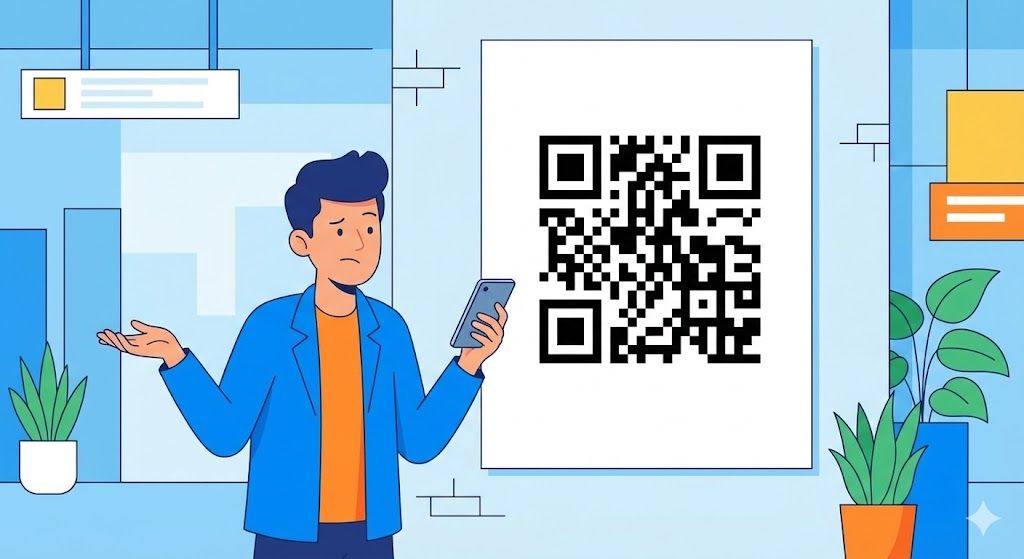
US consumers expect a reason to scan. A QR code sitting on a poster without context gives them little incentive to engage. They may wonder whether it leads to a menu, a discount, or something unsafe. Without a clear instruction, scan rates can stall.
The fix: Pair every code with a short, direct call to action, such as “Scan to View Menu,” “Get 20% Off Now,” or “Join Our Wi-Fi.” Explaining what happens after the scan reduces friction and helps build trust.
3. Sending Users to an Irrelevant or Poor Mobile Experience
Few things disrupt the experience faster than scanning a code on a specific product and landing on a generic corporate homepage. Someone scanning a code on running shoes expects a size chart, reviews, or styling tips—not a “Contact Us” page.
The fix: Match the destination to the customer’s stage in the buying journey, and make sure the page is fully optimized for mobile. A slow or difficult-to-navigate landing page turns the scan into a wasted opportunity.
4. Overloading Static Text QR Codes
QR codes can store plain text, but putting a 500-word paragraph into one code creates an extremely dense pattern. Dense codes are harder for older smartphones to read, especially in low light.
The fix: Keep the encoded text brief. For longer information, use a URL QR code that sends people to a mobile-friendly hosted page. This keeps the pattern simpler and makes the content easier to read.
5. Skipping Real-World Testing
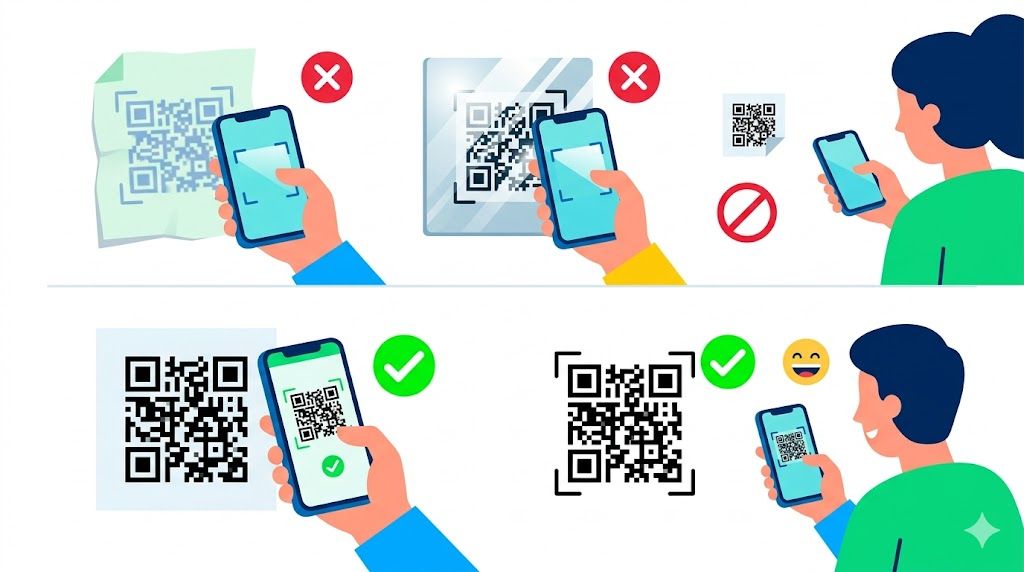
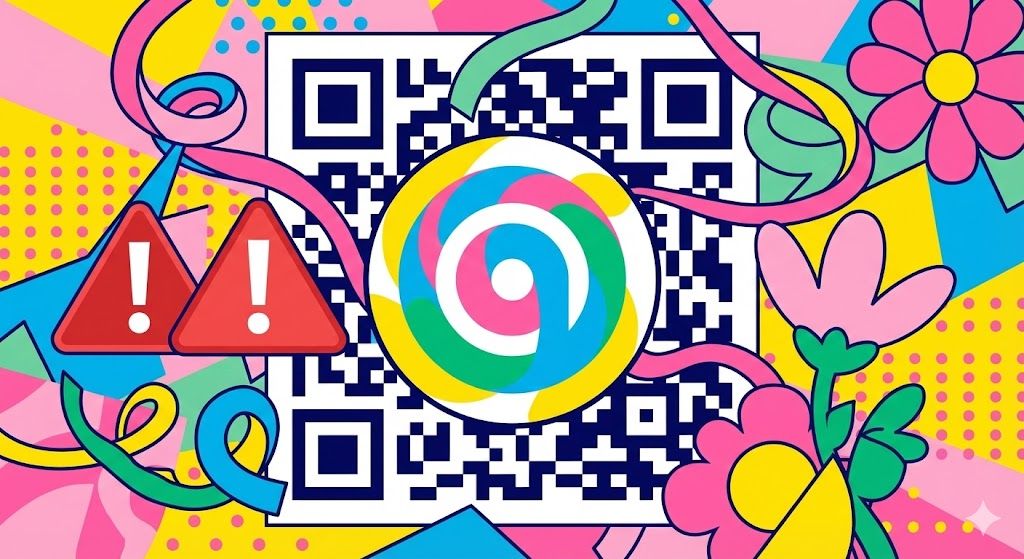
A QR code that scans perfectly on a 27-inch designer monitor may fail on a glossy business card or matte billboard. Lighting, viewing distance, and print materials all affect how well it scans. Producing thousands of printed materials with an unreadable code is an expensive mistake.
The fix: Test the code on multiple devices, including iOS and Android phones, in different lighting conditions. Print a sample at the exact size planned for the campaign, then confirm that a camera can focus on it from a natural scanning distance.
6. Ignoring Size and Placement
Size and placement matter. A QR code on a highway billboard must be far larger than one on a restaurant table. Codes placed where there is no cellular service, such as subway stations, or on moving surfaces, such as the side of a bus, are also less likely to succeed.
The fix: Follow the 10:1 rule: if the user is 10 inches away, the code should be at least 1 inch wide. Place it at eye level where users have reliable internet connectivity.

7. Choosing an Unreliable or Limited Generator
QR code generators vary widely in quality. Some free tools produce low-resolution files that blur when resized. Others add intermediary ads that frustrate customers. A professional campaign needs a tool that supports flexible use cases, high-quality vector exports, and multiple data types.
The fix: Use a dependable platform built for business needs. Qrcode-gen lets you create high-resolution QR codes for URLs, Wi-Fi, vCards, and digital menus, with customization options that support your brand while maintaining a reliable technical foundation.
The bottom line: QR codes bridge physical and digital experiences. Avoiding these design and strategy mistakes helps ensure that each scan delivers a clear, useful next step. Test thoroughly, communicate the value of scanning, and use professional tools that keep the experience dependable.