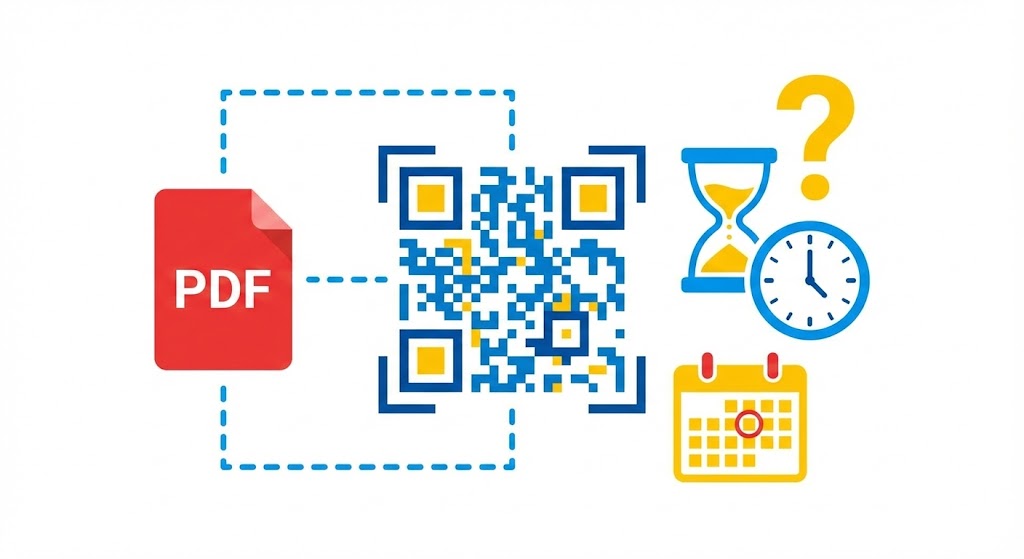
When people scan a PDF QR code, they expect the document to open immediately—without file transfers or long URLs to type. But can a PDF QR code expire? If access stops working, it can interrupt the experience, weaken a marketing campaign, and reduce confidence in the document. Here’s how PDF QR codes work, what affects their longevity, and how to keep them reliable for long-term sharing.
1. How PDF QR Codes Work
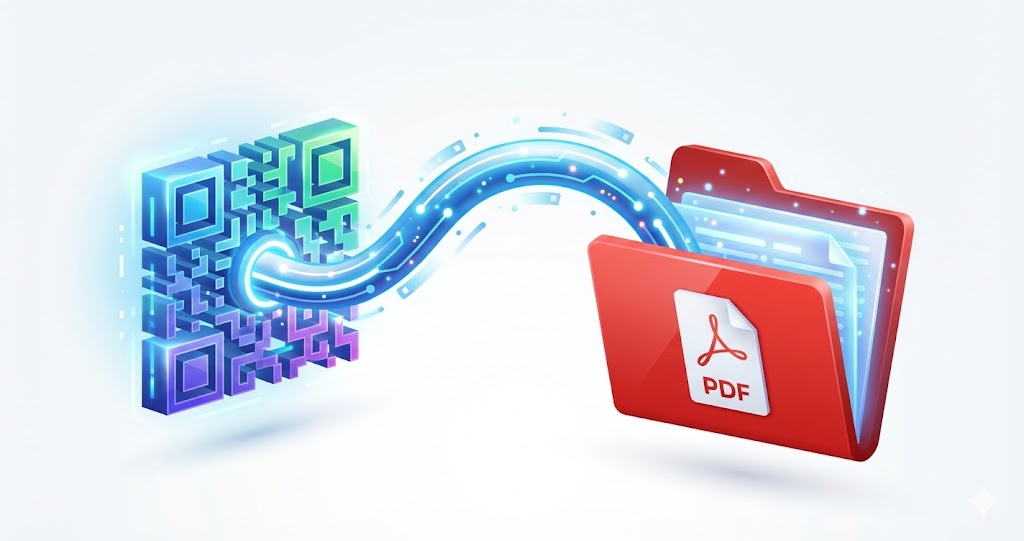
A PDF QR code does not store the PDF file inside the code itself. Instead, it directs the scanner to the location where the file is hosted through a link.
QR codes do not contain the PDF file directly
A QR code encodes information, usually a URL. When someone scans it, their device opens that link to display or download the associated PDF.
Where the PDF file is stored
The PDF can be hosted on a server, file-sharing platform, website, or document management system. The QR code will work only while the file remains available at that location.
The role of the QR code generator platform
QR code generator platforms turn a PDF file or file link into a scannable code. Some let you upload the PDF directly, while others require an existing link to the file.
2. Do PDF QR Codes Expire?
A QR code does not technically expire on its own. However, access to the PDF can be affected by several external factors.
Static QR codes do not expire
Once created, a static QR code exists indefinitely. As long as it remains clear enough to scan and its embedded link is still active, it can continue working for years.
Dynamic QR codes depend on the management system
Some codes use an intermediary system so the destination link can be edited or scans can be tracked. In those cases, the code’s functionality depends on the status of the QR code platform.
The PDF file is deleted or moved
This is the most common reason a PDF QR code stops working. If the file is deleted, renamed, or moved, the original link will no longer lead to it.

3. Common Reasons PDF QR Codes Fail to Load
When a PDF QR code stops working, the cause is usually related to file storage or access permissions.
The PDF has been deleted from storage
If the file no longer exists, scanning the code will lead to a “content not found” error.
File access is restricted
A PDF set to private or requiring a login will not open for people who scan a publicly shared QR code.
The PDF link has changed
If the URL structure changes and the code is not updated, the old link will break.
The printed QR code is blurred or distorted
QR codes printed on paper can fade or smudge over time, preventing devices from scanning them accurately.
4. Can the QR Code Platform Set an Expiration Date?
Access to a PDF may also depend on how the QR code platform manages data.
Free platforms
Some free platforms may limit file size, scan volume, or storage duration. Once a limit is reached, the PDF may no longer be accessible.
Platforms that support direct PDF uploads
With tools that let you upload PDFs directly, the file’s availability depends on that platform’s storage policies.
Reducing the risk
Choose a QR code platform with clear policies, and do not assume a code will work forever if the source file is not properly maintained.
5. How to Create PDF QR Codes That Stay Reliable
Setting up the code correctly helps keep document sharing stable over time.
Store PDF files in a stable location
Use a storage system where the URL is unlikely to change.
Check access permissions before sharing
Make sure the PDF’s visibility settings match the audience you want to reach.
Test QR codes regularly
For important documents, scan the code from time to time to confirm that the link is still active.
Use a PDF QR code creation guide
For step-by-step help, explore the PDF QR code solution from QRCode GEN to create document links that are easy to share and suited to different purposes.

6. Best Uses for PDF QR Codes
PDF QR codes are useful when you need to share documents quickly without sending the files directly.
Education and training
Share lectures, study materials, syllabi, and announcements.
Marketing and sales
Attach catalogs, brochures, price lists, and product manuals.
Internal document management
Provide quick access to procedures, forms, and instructional documents.
A PDF QR code does not expire by itself, but access to the document depends on the file and the way it is stored and shared. By keeping the file in a stable location, setting the right permissions, and checking the code periodically, you can make document access more reliable over the long term.