Why should you choose a menu with illustrations instead of just text?
Diners respond more quickly to images. A beautifully photographed dish can evoke a strong sense of appetite, especially for customers who have never tried it before. Instead of having to imagine a dish through a description, they can view it directly and make a quick decision.
A menu with images also helps the brand appear more polished and professional. In the increasingly competitive F&B market, differentiation sometimes comes from small details like a beautiful image or a smooth QR scanning experience.
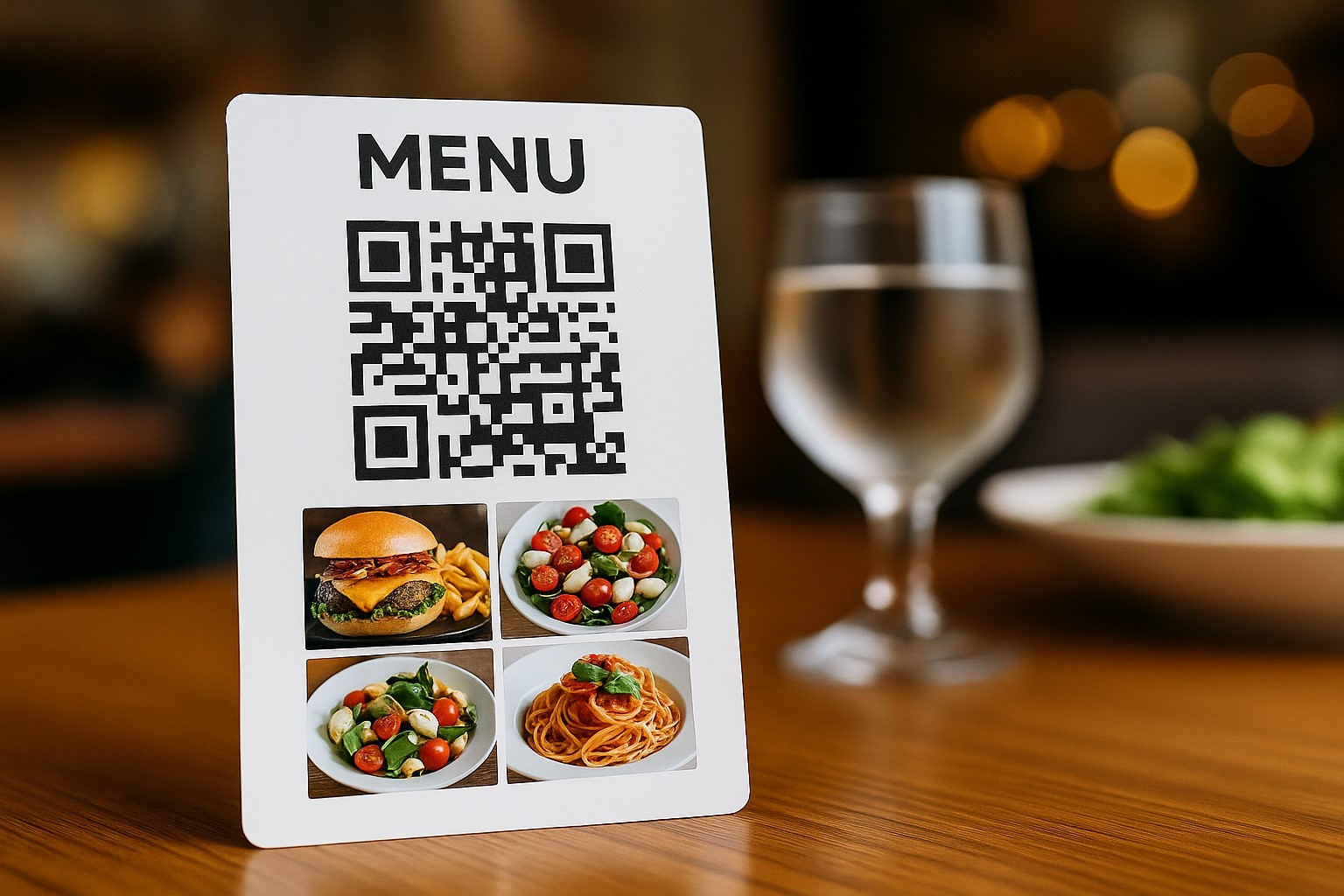
Some tips to make your QR menu more attractive
-
Images should be clear, well-lit, with a clean layout, and prioritize real photos taken at the venue
-
Group dishes by category: main courses, drinks, desserts, etc.
-
Each dish should have a brief description and a clear price
-
Avoid cramming too many dishes onto one page; arrange the layout logically
How to create a QR menu with illustrations in just 3 steps
Step 1 – Prepare the content
First, you need to prepare a list of dishes to include in the menu. Each dish should have:
-
Dish name
-
Illustrative image (preferably real or professionally taken photos)
-
Price and short description (if any)
You can use Canva, PowerPoint, or Google Docs to lay out the dishes with images and export to PDF format.
Step 2 – Create a QR code containing the menu
There are two common options:
-
If you already have a PDF file or a long image: go to qrcode-gen.com, select the option to create a QR code for a file, upload your menu, and the system will generate a corresponding QR code. You can customize the color, add a logo, and download the QR code for immediate use.
-
If you want a platform that helps you create a menu with images, categorize dishes, and update flexibly: visit menu.nineqr.com. This is a specialized platform that allows you to build an online menu with illustrations for each dish. Once completed, the system automatically generates a QR code linking to your menu.
Step 3 – Print and display the QR code
After creating the QR code, you can print it out and place it in visible locations:
-
Dining tables (printed on acrylic boards)
-
Near the ordering area
-
Stuck on the wall or existing paper menus
-
Attached to packaging for takeaways
Ensure adequate lighting, the code is printed clearly, and not obscured.
Compared to paper menus, what advantages do QR menus with illustrations offer?
First, you don't need to reprint every time you change a dish. Updates are easy—just edit on the platform and the QR code remains the same.
Second, diners can save the menu to their phones, share via Zalo, Messenger, or social networks conveniently. This opens up opportunities for organic sharing if your menu is attractively presented.
Third, the cost is almost zero compared to traditional menu printing, especially in a constantly changing market.
Currently, if you are looking for a platform to create a professional, easy-to-use, and completely free digital menu with images, you can try menu.nineqr.com. This is a newly launched platform but already features an intuitive interface, easy operation, and supports QR code creation right after you finish your menu. Compared to other tools, menu.nineqr.com is optimized for general users, requires no technical skills, and allows flexible customization of each dish with images.
Whether your shop is a small café, a restaurant, or just a mobile drink cart, investing in a QR menu with illustrations will make your brand more memorable and professional in the eyes of your customers.